Generate color palette
The palette generator builds a random color palette in one click. Keep the colors you like, adjust the rest and save the result to your account.
Visit the color palette generator and Sign Up
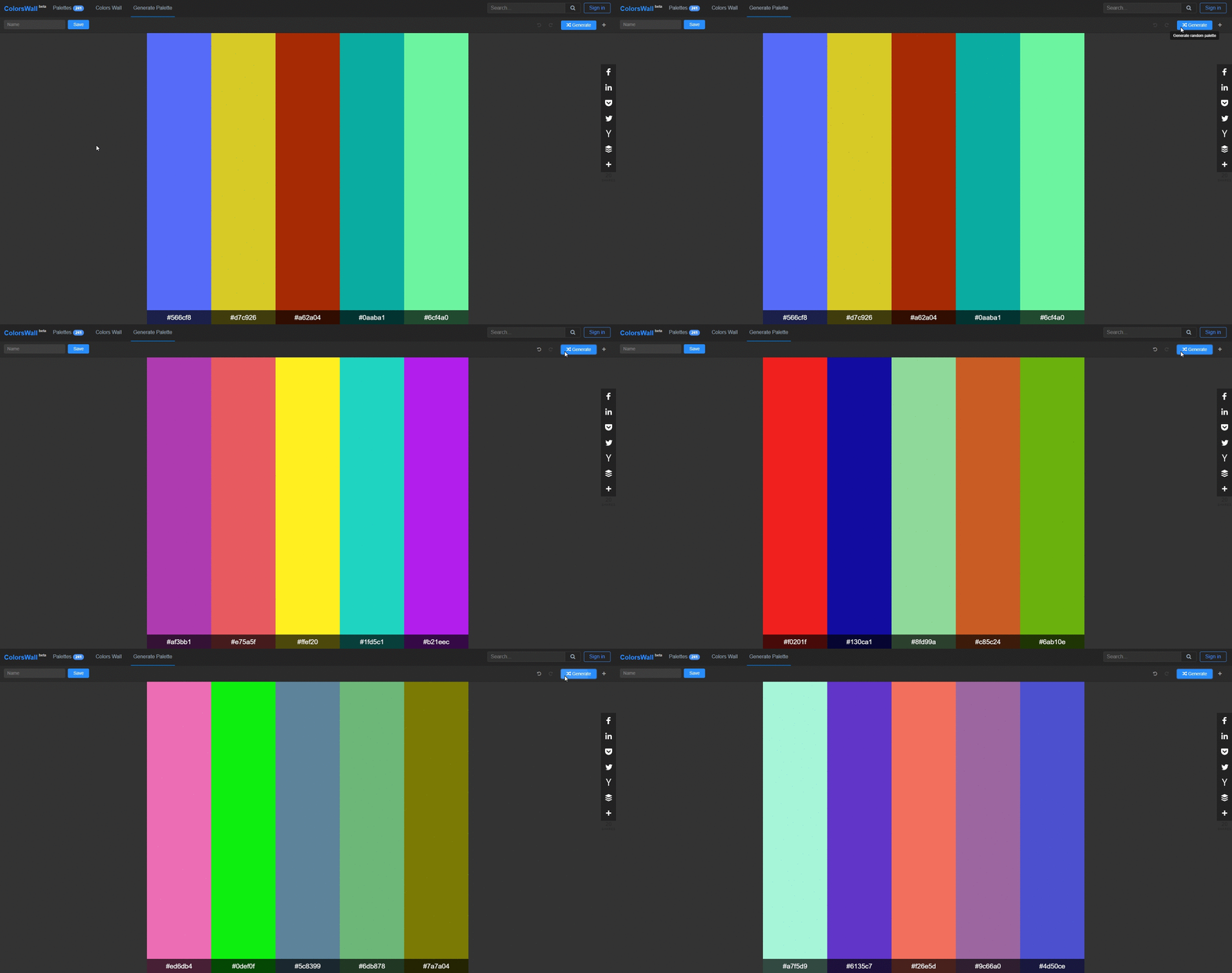
Press «Generate» button
Each press replaces every unlocked color with a new random one. Use «Undo» and «Redo» to get back to a palette you liked.
Sort or customize colors
Lock a color to keep it while the rest change, drag colors to reorder them, or open a color's settings to name it or enter an exact HEX value. You can also add and remove colors, or build a complementary, triadic, square or tints and shades scheme from one base color.
Save your palette
Name the palette, choose whether it's public and save it. Saving needs a free account. Every saved palette gets its own page with HEX and RGB codes and export to CSS, SCSS, ASE and other formats.
Enjoy
Prefer to watch? The video below shows the generator in action.
Want to take colors from a photo instead? Generate color palette from an image