Palettes Compare
Web Tool ColorsWall allows you to compare palettes side by side. Comparison color palettes, schemes online
Seeing palettes side by side is the quickest way to choose between a few candidates for a project: the colors appear at the same size, one palette after another, instead of in separate tabs.
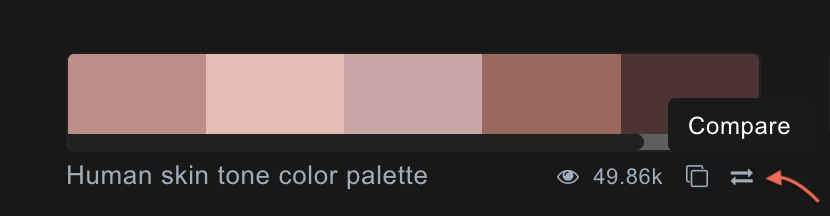
- Navigate to Palettes or Search pages
- Click on «Compare» icon to add Palette in Compare List
You can add up to 10 palettes. The list is remembered in this browser, so you can keep browsing and add more later.
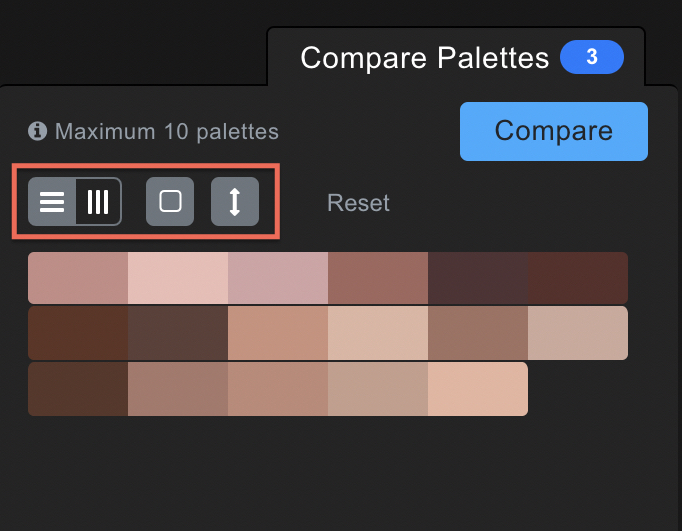
- Use controls to change layout view, border of palettes, size of colors
Switch between horizontal and vertical layouts, show or hide borders between colors, and stretch the colors to full height. «Reset Palettes» clears the list.
- Use Drag & Drop to change palettes order
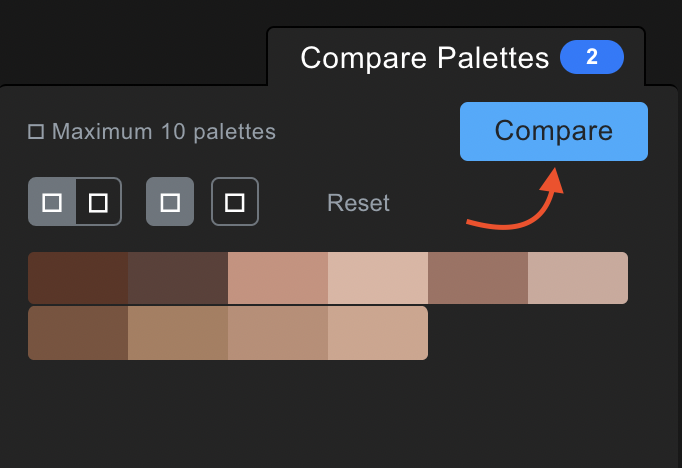
- Press «Compare» button to navigate Compare Color Palettes page and use favorite palette
The page address lists the palette IDs, for example /palettes/compare?ids=1,2,3, so you can bookmark a comparison or send the link to someone else.
How to Compare Color Palettes video version